Free PDF tools that just get it done
Edit, convert, compress and organise your PDF files. Free, in the browser, with nothing to install.
Deleted after processingWorks on any device
Drop your file here
PDF, Word, Excel, PowerPoint or pictures
or pick a tool firstEncrypted in transit · Deleted after processing
- Deleted after processingYour file is not kept
- Many tools stay on your deviceThe file never leaves it
- No account neededFree for everyday work
- Web, Windows and phoneThe same tools on each
Most popular PDF tools
The tools people use most.
- PDF to WordConvert to an editable Word document
- Compress PDFShrink heavy files, keep the text sharp
- Merge PDFCombine documents into one, in your order
- JPG to PDFPhotos and scans into one PDF
- PDF EditorEdit text, images and signatures in place
- PDF to ExcelConvert tables and text into a workbook
- SmartShrinkCut the page count, not the text size
- WatermarkStamp text or a logo over your pages
Change the text itself, not a box on top of it
Click any line and type. The new words go in the same place, in the font the file already uses whenever it has the letters you need. The old words are taken out of the file rather than hidden under a white patch, so a coloured background or a watermark behind them stays as it was.
Edit a PDF
- Backgrounds and watermarks stay untouched
- Find and replace, links, pictures and forms in the same window
Sign it, send it, check it
Draw, type or upload your signature and put it on the page in seconds. When other people need to sign, each of them gets a private link, and everyone receives the finished PDF once the last person signs. And when a signed PDF lands in your inbox, you can check whether anything changed after it was signed.
Fewer pages, nothing cut
Most pages are mostly empty. SmartShrink finds what is really on each page and fits it together, so a long file needs far fewer sheets. On the default setting the text keeps its size and stays selectable.
Try SmartShrink
- 8 short pages can become 2
- Or put 2 or 4 whole pages on one sheet
- See the new page count before anything is made
Black it out, and it is really gone
A black box drawn over text can hide it while the words stay in the file, ready to be copied. KovaPDF takes the text, pictures and form values under each mark out of the file, then checks the new file again before you can download it.
Your phone is now a scanner
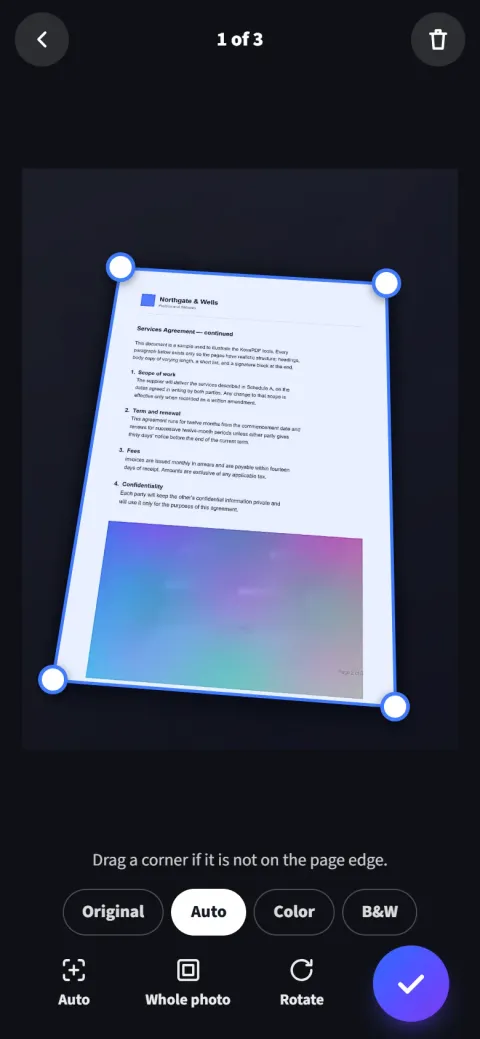
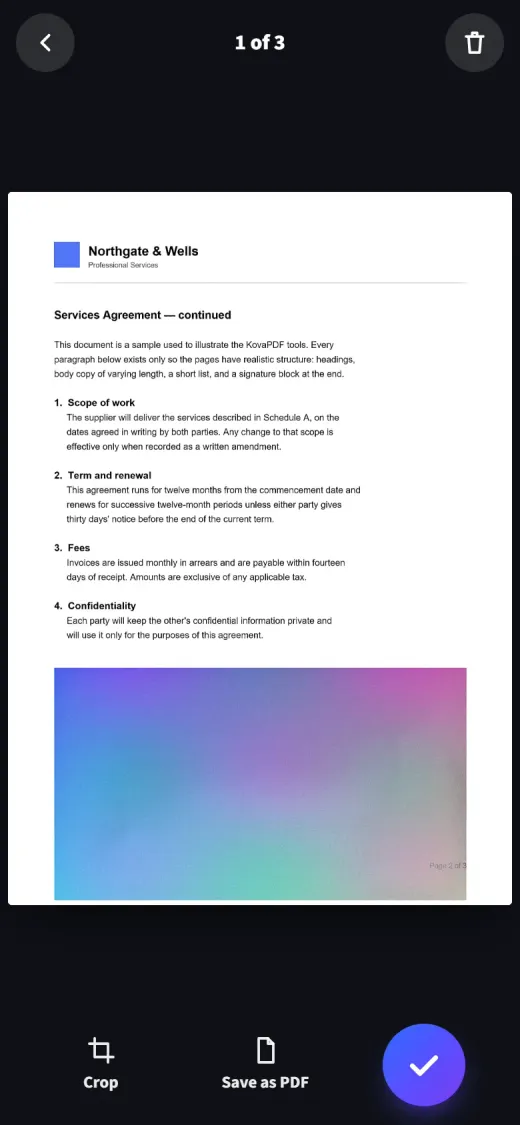
Point the camera at a page. KovaPDF finds the edges, straightens it and cleans it into a sharp PDF, page after page.
- Finds and straightens the page for you
- Cleans shadows, keeps signatures and colour
- Scans stay on your phone
Wherever you work with PDFs
The same tools in your browser, as a Windows app and on your phone.
 In your browserNothing to install. Open a tool, drop a file, download the result.Start now
 Desktop appA fast reader with tabs and printing. Some tools keep working offline.Get the app
 Mobile appInstalls from your browser on Android and iPhone, with the scanner built in.Get the app
Answers and guides
Why a PDF misbehaves, and the click-by-click way through each tool.
- GuideHow to compress a PDFMake a heavy file small enough to email, without wrecking the text.
- GuideHow to merge PDF filesCombine several documents into one, in the order you choose.
- GuideHow to make a scanned PDF searchableAdd real, searchable text to a scan without changing how the page looks.
- AnswerWhy do my fonts change when I convert Word to PDF?Because the font you used was not available to whatever performed the conversion, so it was substituted for a similar one with different letter widths, which shifts every line after it.
- AnswerWhy won't my PDF attach to an email?Check whether the failure happens while attaching, while sending or after delivery is rejected. Email encoding increases the data carried by binary attachments, and the recipient can impose a different limit from the sender. Measure the complete attachment set before choosing a smaller copy or an accepted alternative.
- AnswerHow to convert Excel to PDF without losing columnsTurn on fit-to-one-page-wide before converting: it scales the sheet horizontally so every column lands on the page, while rows continue onto as many pages as they need.
Frequently asked questions
Can't find your answer? Write to us any time.
Is KovaPDF free to use?
Yes. Every tool works without paying and without an account. Files can be up to 200 pages and 50 MB. Free use has a limited allowance that refills over time, so a few heavy users cannot take the service away from everyone else. A free account raises your allowance, and paid plans are unlimited under fair use.
Are my files safe?
Your document is processed and the working copy is deleted in the same request. We keep a record that an operation ran, never what was in it.
What file types are supported?
PDF, Word, Excel and PowerPoint files, OpenDocument text, spreadsheets and presentations, JPG, PNG and WebP images, CSV, plain text, HTML and ZIP archives. Each tool lists exactly what it accepts on its own page.
How long are my files kept?
Only while the job runs: the working copy is deleted as soon as your result is ready. SmartShrink, which works in steps, deletes its copy when your shorter file is made, or within 30 minutes if you leave part-way through.